Version 1.0.1
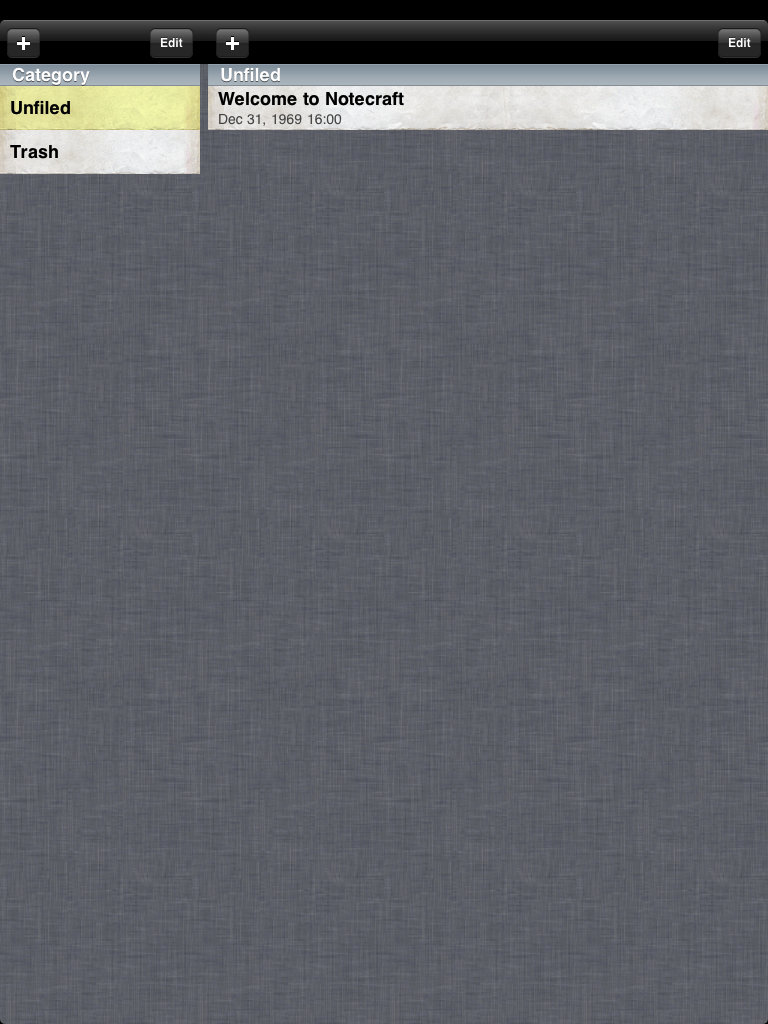
An Organized Note-Taking Tool for the iPad
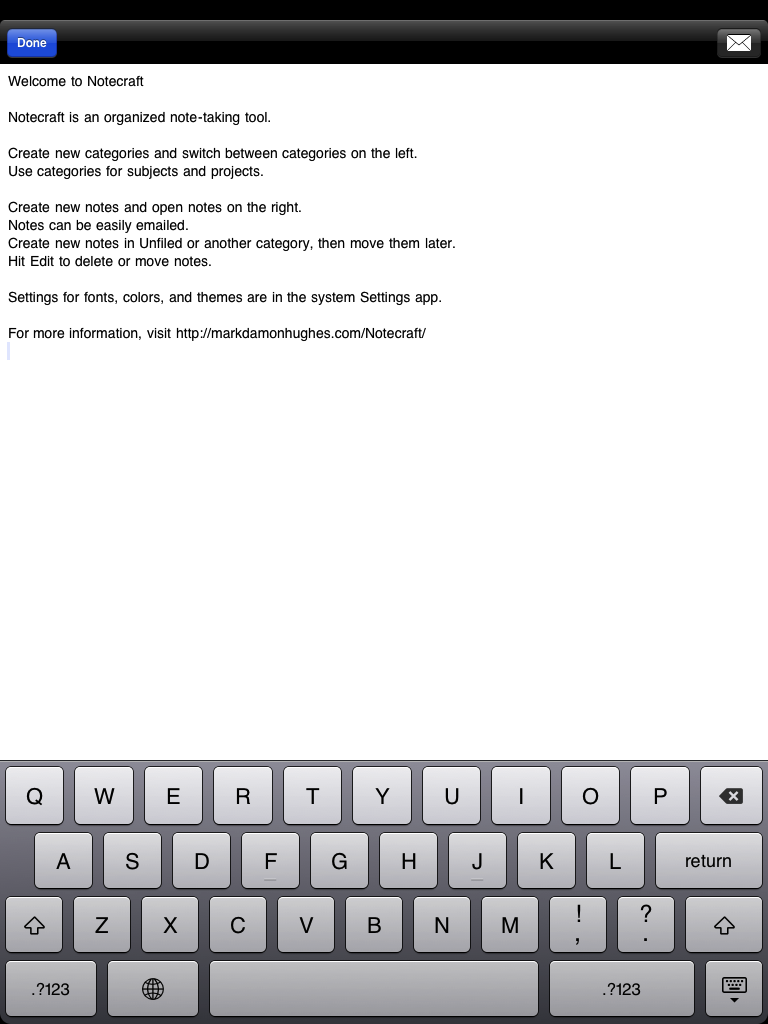
You can create notes in categories, create and reorganize categories, and reorganize notes quickly.
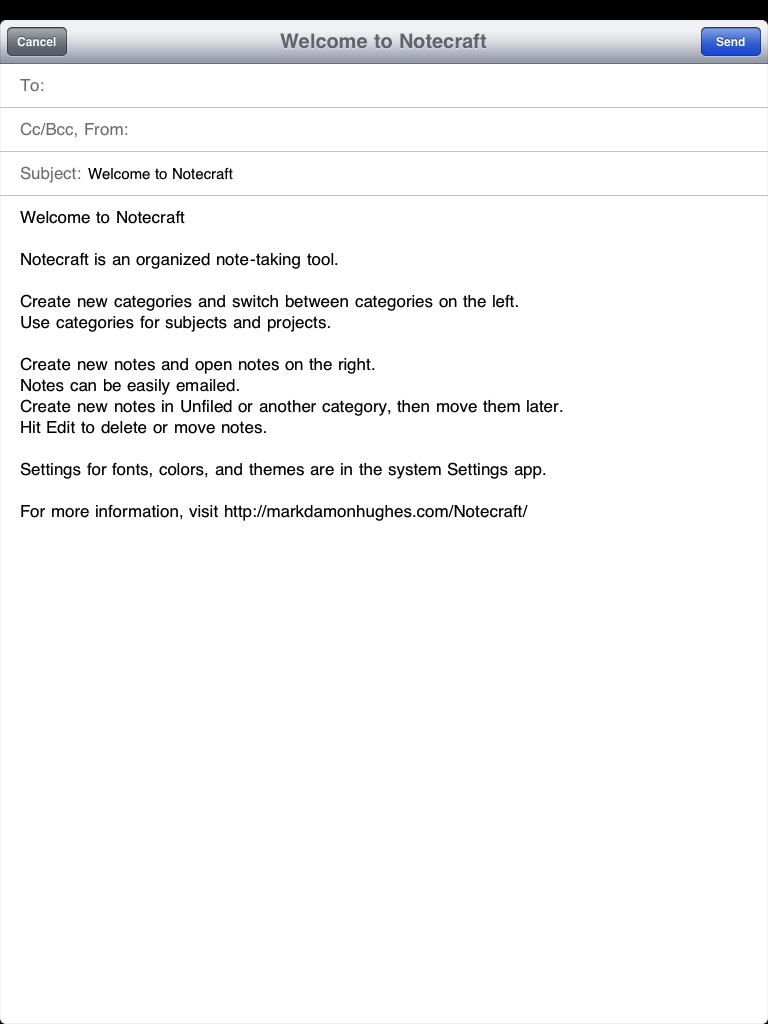
Notes can be emailed for safe-keeping.
Settings for fonts, colors, and themes are in the system Settings app.
Currently not available.
| 
|
|  |
Comments are closed.
Mentions
All my little software tools, things that don't belong on the Software Gallery.
Learn2JS: Skeleton for quickly building JS applications. As close as modern tech can get to a BASIC "READY" prompt!
Runes: Text filter to convert ASCII sequences into nice Unicode or emoji.
Bookmarklets: Little scripts to run in your browser. Monochrome Dark & Light, and View Source.
ThoughtPy: Markdown-based command-line note-taking tool.
Utility/Filter: Text searching/filtering tool with Python scripting.
ImageUtil: Java command-line image-processing utility.
StupidComments.css: For Safari, a CSS stylesheet to hide stupid comments on the Internet. Unzip, read the instructions in the css file.
Antique (old but usable):
JICB 1.12: Cross-platform Java client for the ICB chat network, with a nice little scripting system.
RealCalc: Just a sample Object Pascal program.
ThoughtPad: Java note-taking tool.
Obsolete (not usable):
Notecraft: An Organized Note-Taking Tool for the iPad
UnixTime: A clock for geeks!